Data loss is brutal. Hardware fails. Files get corrupted. Sometimes it’s just human error. Whatever the cause, when it’s gone, it’s gone. And it always feels like it happens at the worst possible moment.
These days, the average person is sitting on thousands of files—photos, contracts, scripts, invoices, half-finished edits, personal notes—the kind of stuff you only realize you need once it disappears. If you’re creating for a living or building an audience, that kind of hit isn’t just frustrating. It can mean lost time, broken momentum, even damage to your brand.
That’s why backups aren’t optional anymore. They’re insurance. Local drives, cloud sync, automated schedules—whatever your system is, make sure you have one. Because betting your content on a single hard drive is a gamble no serious creator can afford.
Cloud storage is basically a way to save your files online instead of just keeping them on your device. You upload your data to a server, and then you can access it from any device that’s connected to the internet. It’s become the go-to for people who want flexibility, especially creators managing large amounts of video footage, images, and project files.
The benefits are clear. First, you can get to your stuff from anywhere — your phone, laptop, even someone else’s computer if you need to. Files update automatically, so when you make a change on one device, it shows up on all of them. As your content library grows, storage can grow with you. You don’t have to worry about running out of space on a hard drive.
That said, cloud storage isn’t perfect. The cost can sneak up on you. Monthly subscriptions, especially for high-capacity plans, add up fast. You also need a stable internet connection to access your files — not ideal if you’re traveling off-grid. Plus, putting your files on someone else’s server raises questions about privacy and data security. Not everyone’s comfortable with that, and for good reason.
Local storage options like hard drives, SSDs, USB flash drives, and NAS (Network Attached Storage) devices are still the backbone for many creators when it comes to protecting their content. These physical storage solutions offer a direct, offline way to save and manage video files without depending on third-party services.
The pros? First, you’re in total control. One-time payment, no subscriptions. You don’t need the internet to access or back up your footage, and recovery speeds are usually quicker, especially when dealing with massive raw files. If you’re doing bulk shoots and need layered backups, local storage delivers—fast.
But it’s not bulletproof. Drives can crash, get stolen, or simply wear out. Space is a finite game, too; eventually you’ll hit capacity. And unless you’ve built a solid habit around regular manual backups, important footage can fall through the cracks. Like everything else in vlogging, having a system matters.
When it comes to storing vlogging content, creators have two main options: cloud or local. Each has trade-offs. Cloud storage gives you end-to-end encryption and off-site safety, but you’re sharing trust with a third-party provider. You’re betting they won’t get breached or fold overnight.
Local storage gives you full control. No middleman, no internet required. But without encryption, a lost laptop or stolen hard drive could mean goodbye to your footage—and maybe a serious data leak.
The smart move is not either-or. Back up your files locally with strong encryption, then sync to a trusted cloud service as a fallback. That way you own your content and have a safety net if something goes sideways.
Cloud vs. Local: Storage Choices for Vloggers
When it comes to storing footage, backup plans, and creative assets, vloggers face two main options: cloud storage or local drives. Each has perks, and each comes with trade-offs.
Cloud storage means you’re paying monthly or yearly for access to storage tiers. Services like Google One or iCloud+ often bundle space with tools you already use for productivity or collaboration. It’s flexible, doesn’t need any hardware on your side, and gives you access across devices. But it’s also a long-term subscription commitment, and costs can add up over time as your content library grows.
Local storage means you buy the gear once. External SSDs, hard drives, or even home NAS units handle your backup and editing needs up front. No recurring fees, no internet required. The downside? Hardware doesn’t last forever. Drives fail, formats become outdated, and things can get messy without a good system in place. You’re also responsible for making sure things are properly backed up.
Some creators go hybrid: cloud for accessibility, local for archiving. Either way, choosing your storage setup isn’t just about space — it’s a key part of your workflow.
Local vs. Cloud: Smart Storage Choices for Creators
Speed and accessibility are make-or-break for vloggers working with huge video files. That’s why smart creators are dialing in the right storage setup.
Local storage gives you raw speed. Think SSDs or NAS systems for faster file transfers and snappy editing. If you’re working with high-res media—4K, 6K, even 8K—or juggling a mountain of clips, local storage keeps things flowing without the lag.
Cloud storage, on the other hand, is about accessibility. Files available anytime, anywhere, on any connected device. It’s a win for creators who shoot, edit, and publish on the go, or those coordinating with remote teams.
More and more are combining both. Local for speed. Cloud for access. It’s not one or the other—it’s balance.
The 3-2-1 Rule: Reliable Backups Without the Fuss
In a world where footage is everything, losing your content isn’t an option. The 3-2-1 backup rule is the gold standard for keeping digital assets safe: 3 total copies of your files, 2 types of storage media, and 1 copy off-site. Simple, effective, and once you set it up, it just works.
Here’s how it plays out for vlogging. You’ve got your original files on your editing machine. That’s one. Drop a copy onto an external hard drive or a NAS unit—there’s your second. Then sync to a cloud service like Backblaze or Google Drive. That’s your off-site layer. It protects you from hardware failure, accidents, or even theft. Basically, if something goes wrong, you’re not starting from zero.
Blending local and cloud options lets creators move fast without risking everything. Local drives are quick to access and great for editing, while cloud backups run quietly in the background—and give peace of mind if gear gets lost or corrupted.
Tools like SyncBack, ChronoSync, or even built-in options like Time Machine make hybrid backups easier than ever. Set them up once and let automation handle the rest. Data loss hurts. This way, it stays hypothetical.
When it comes to storage, the choice between cloud and local isn’t about what’s cool, it’s about what works. Cloud storage shines for people always on the move—commuters, creatives, freelancers who need access across devices and locations. It’s nimble, automatic, and good enough for most everyday workflows.
Local storage still pulls weight where high performance or large files dominate. Gamers want zero lag. Filmmakers push terabytes around. Offices with heavy datasets need the control and speed that come from in-house setups.
Bottom line: choose based on what you can’t afford to lose. If offline access and raw speed matter most, go local. If you live and work in sync with the cloud, lean into it but keep backups. The best creators know exactly where their critical files live—before something breaks.
Backup Isn’t a Tech Chore—It’s Peace of Mind
Rethink What Backup Really Means
Backing up your content isn’t just a technical detail—it’s a safeguard for your creative livelihood. Every vlog, script, thumbnail, and project file represents hours of work. Losing even a single piece can set you back weeks and hurt the trust you’ve built with your audience.
- Think beyond the hard drive. Your work exists in many places: cloud storage, editing software, even external drives.
- Regular backups mean you’re protected against device failure, accidental deletion, and even cyber threats.
Automate the Process
Manual backup routines are easy to forget, especially when you’re in a content creation flow. Set up an automated system and let the tech do the remembering for you.
- Use backup tools that sync your files at regular intervals
- Cloud services like Google Drive, Dropbox, and iCloud can save updates in real time
- Local backups on external drives offer a second layer of insurance
Once It’s Gone, It’s Gone
Too many creators learn the value of backup the hard way—after a major loss. Don’t let that be your story. Peace of mind isn’t just good for your workflow, it’s essential for your long-term sustainability.
- Make backup part of your creative process, not just a post-production step
- Set reminders to check your systems monthly
- One-time setup could save years of work
Creating content demands consistency and creativity. Protecting that work with smart backups ensures you’ll always have a foundation to build on.
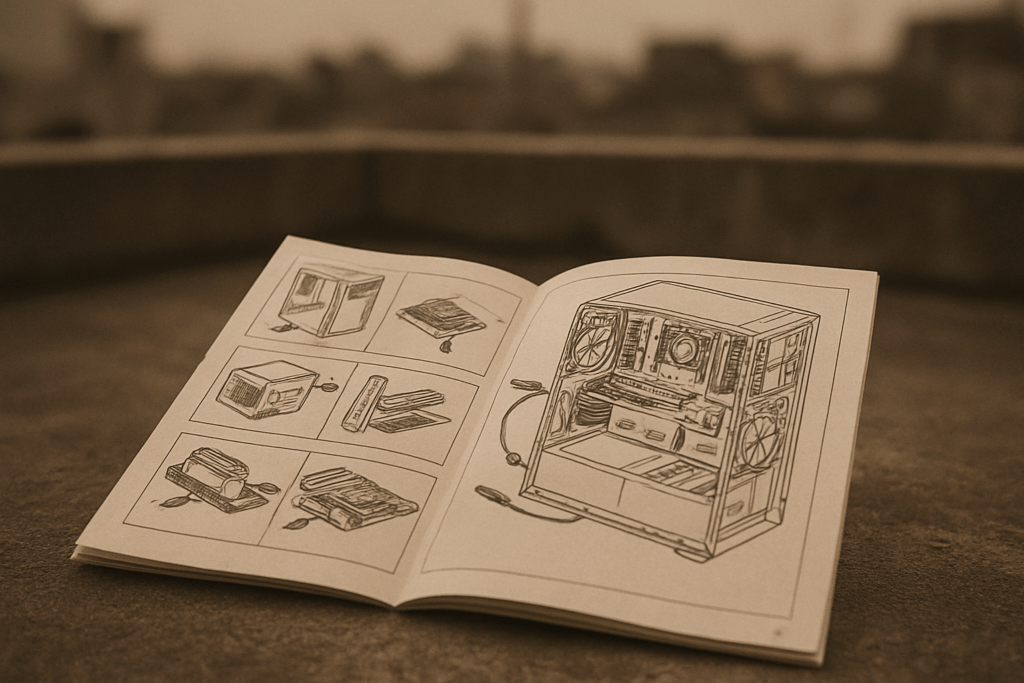
If you’re building a custom PC for vlogging in 2024, don’t neglect your backup game. It’s easy to get lost in specs like GPUs and RAM, but when you’re dealing with raw 4K footage, project files, and hours of edits, you need a storage and backup system that can keep up. At minimum, get yourself an external SSD dedicated to active backups, and use cloud storage to cover essentials in case of hardware failure. Version control matters too. Losing one drive shouldn’t mean losing your last three projects.
For beginners stepping into the custom PC world, check out this guide: How to Build a PC for Beginners in 2024. It’s not just about performance. It’s about protecting the time and effort you pour into your content.